2026-02-12 / 7 min / Product + PDFs + Student Tools
PDFSpacer and the value of boring tools
A small PDF utility became a useful reminder that student workflows are full of invisible friction.
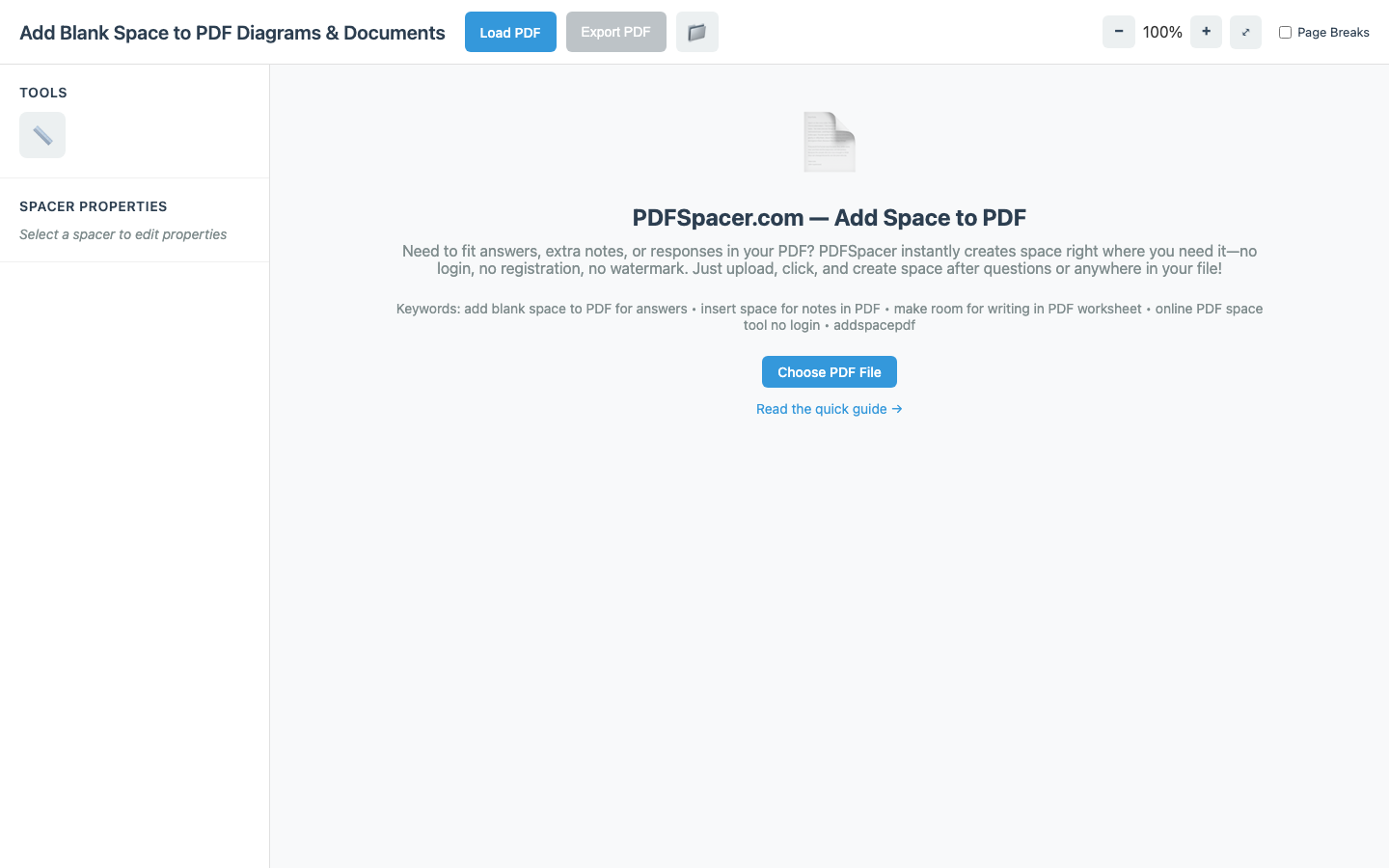
PDFSpacer started from a very ordinary frustration: worksheets, exam packets, and assignment PDFs rarely leave enough space for actual answers. The first version was not meant to be impressive. It only needed to let someone drop in a PDF, place extra writing room where they needed it, and keep the original document readable.
That constraint shaped most of the product decisions. I cared less about adding a giant editing suite and more about preserving text quality, making page manipulation feel predictable, and avoiding the feeling that the user had to learn another design tool just to finish homework. The tool needed to be fast enough that opening it felt lighter than fighting with a PDF editor.
The interesting technical tradeoff was between visual control and document integrity. If the interface made spacing feel free-form but the exported PDF shifted content unexpectedly, trust would disappear immediately. The better path was to make the spacer model explicit, keep the surface narrow, and test the export path repeatedly with real worksheets.
The project taught me that a product can feel useful before it feels large. More than 1,200 students using it monthly is not because the idea is flashy. It is because the problem is specific, frequent, and annoying enough that a focused tool earns its place.
takeaways.
- Small utilities need stronger reliability than large demos because users reach for them in the middle of real work.
- A narrow product surface makes quality easier to feel.
- The best feature was restraint: insert space, preserve quality, get out of the way.
related project.
PDFSpacer: A free tool to insert blank space anywhere in a PDF for answers, notes, or annotations. Used by 1,200+ students monthly and growing. Preserves original text quality with smart reflow and multiple spacer styles.